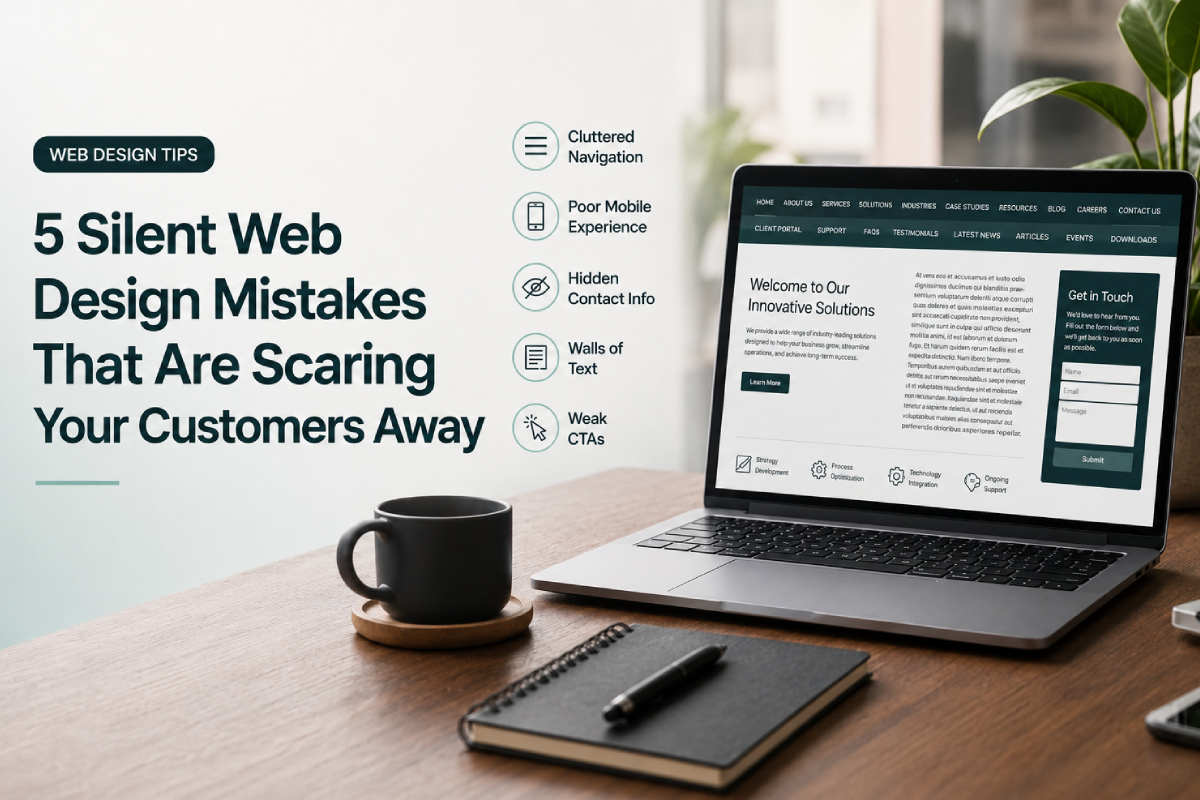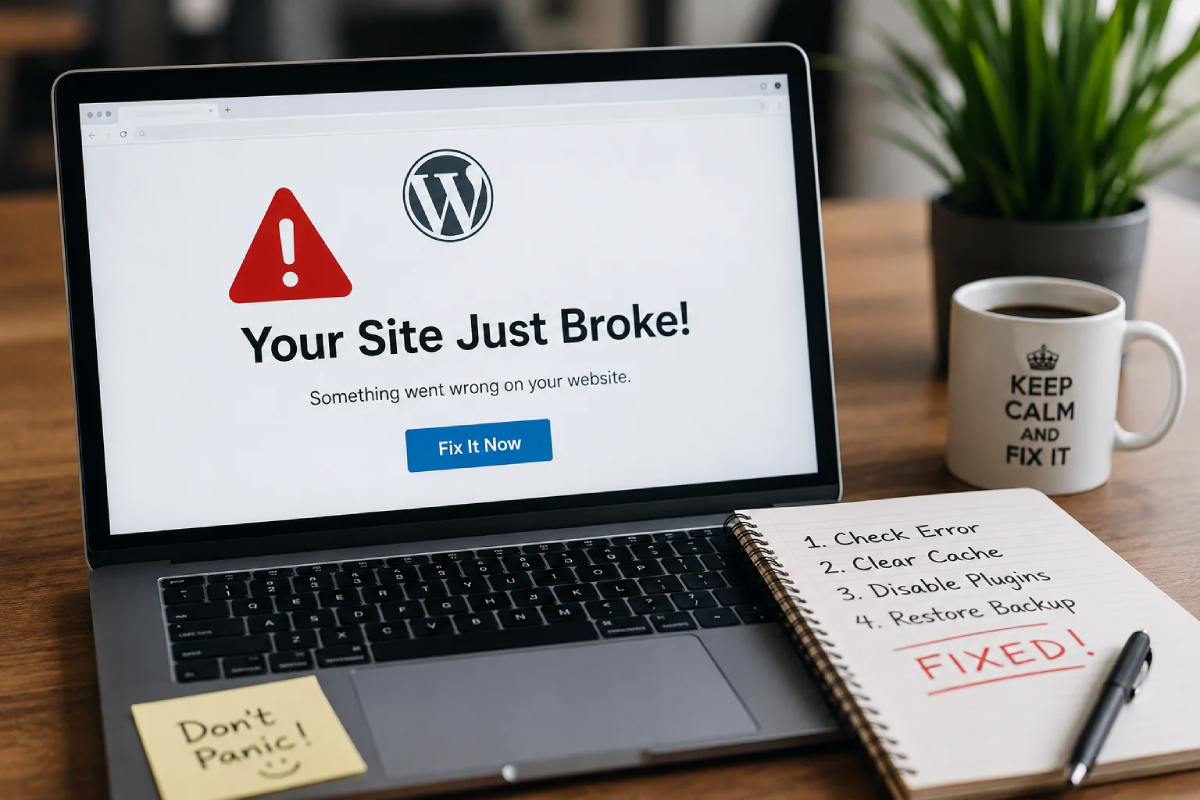


Let’s be real—launching a new website feels amazing. You put in the hours, the design looks incredible, and you are finally ready for the traffic to roll in. But a lot of business owners make a critical mistake right after launch: they treat their website like a static billboard.
In reality, a WordPress website is a living, breathing ecosystem. Think about it like keeping a thriving freshwater aquarium. You wouldn’t just fill a glass box with tap water, toss in a few mollies or guppies, and assume they’ll be fine forever. You have to establish beneficial bacteria, check the water parameters, and do regular maintenance. Your website requires that exact same level of routine care to stay healthy, secure, and fast.
Quick friendly disclaimer: Before you try running any major updates on your own, please make sure you have a full backup of your site. It’s always good to have a safety net!
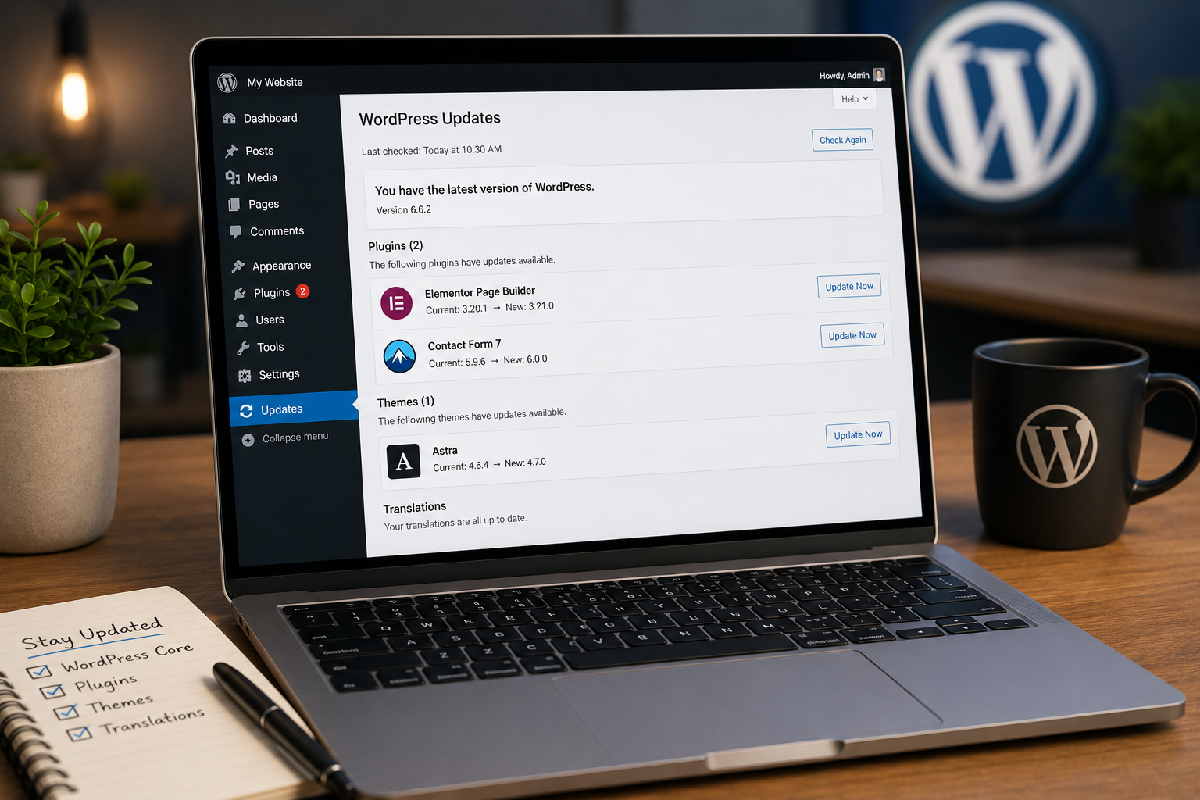
1. Ignoring Software and Plugin Updates
Just like a tank needs fresh water to thrive, your website needs fresh code. WordPress core, your theme, and your plugins release updates constantly. These aren’t just for new features; they are usually critical patches to fix security vulnerabilities or compatibility bugs.
The quick fix: Log in weekly to run your updates. Better yet, turn on auto-updates for trusted, minor plugins, but always manually review major core updates so you can test for conflicts.
2. Flying Without a Backup Plan
What happens if something goes completely wrong? A crashed server, a hacked admin account, or a bad plugin update can wipe out months of hard work in an instant. Relying on your hosting provider’s default backups is risky because they can sometimes be hard to restore or get overwritten before you notice a problem.
The quick fix: Set up automated, off-site daily backups using a tool like UpdraftPlus. Save the files to a remote location like Google Drive or Dropbox so you always hold the keys to your data.
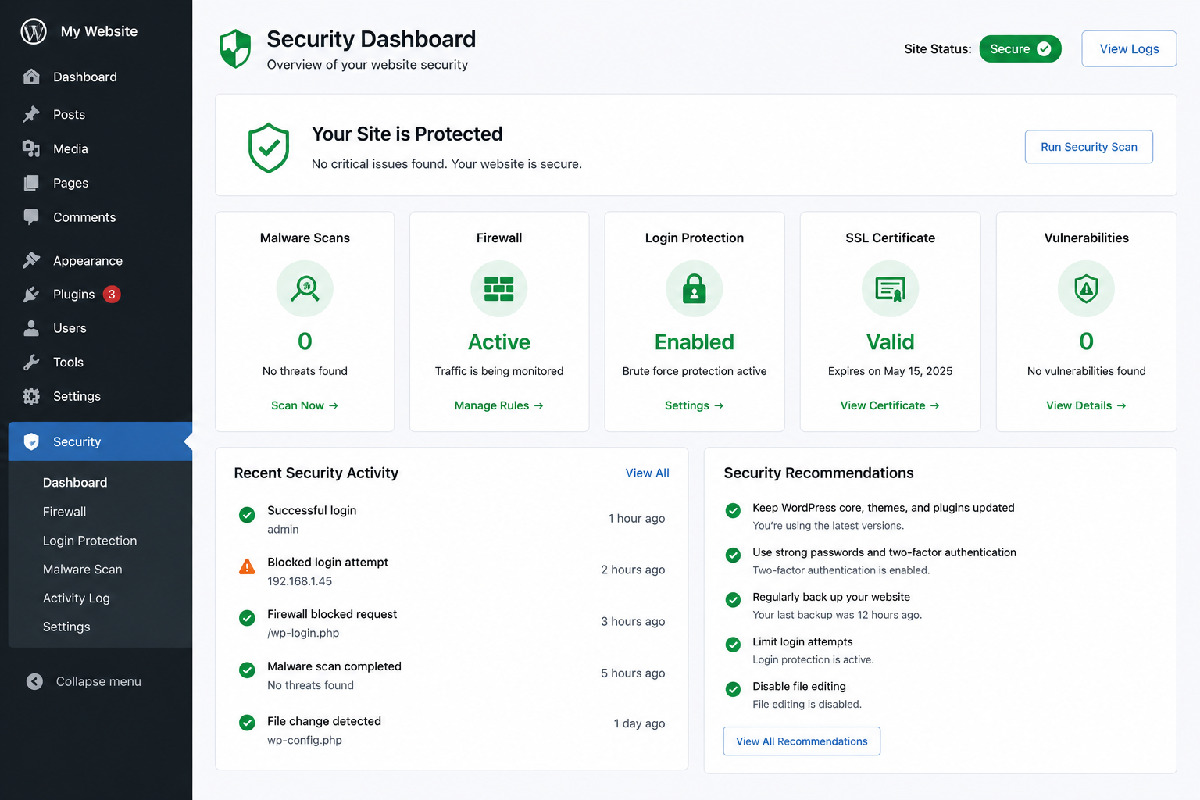
3. Leaving the Front Door Open to Hackers
Malware and brute-force login attacks are the digital equivalent of an algae bloom—they take over fast and ruin the environment if you aren’t actively preventing them. Out-of-the-box WordPress doesn’t limit how many times someone can guess your password.
The quick fix: Install a security plugin like Wordfence or Solid Security. Change your login URL from the default /wp-admin and immediately enforce two-factor authentication (2FA) for all administrator accounts.
4. Letting the Database Get Mucky
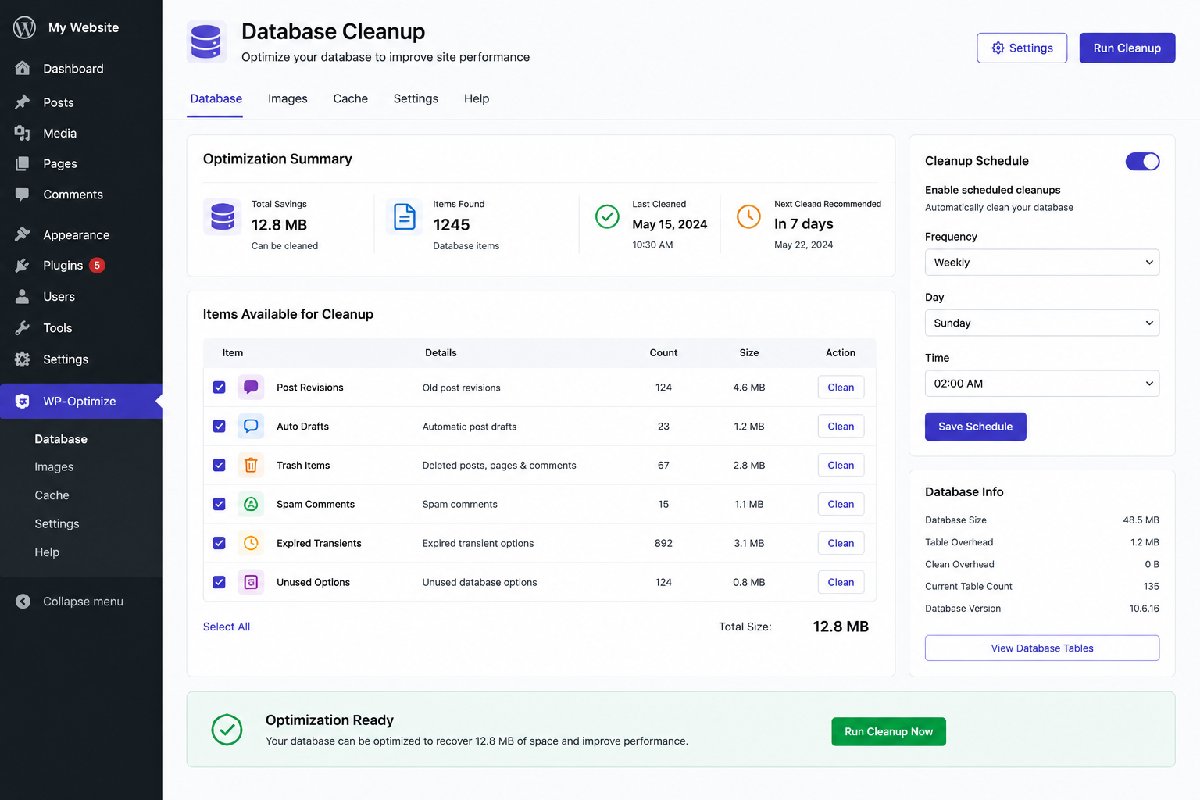
Over time, your WordPress database fills up with hidden junk: thousands of old post revisions, trashed spam comments, and leftover data from plugins you deleted months ago. It’s exactly like the debris that settles at the bottom of a fish tank. You need the digital equivalent of a siphon pump to clear the muck out so your site runs fast and doesn’t time out on your visitors.
- Sweep the trash: Use a plugin like WP-Optimize to clean up your database tables once a month.
- Limit revisions: Add a small line of code to your
wp-config.phpfile to limit post revisions to 3 or 4. - Delete unused assets: If you aren’t using a theme or plugin, don’t just deactivate it—completely delete it from your server.
If you are tired of playing the guessing game and just want your website to run smoothly month after month, drop us a line here at Topsia Website Designs. We specialize in everything from routine WordPress maintenance and troubleshooting to full-scale, custom web development.
Whether it’s squashing a stubborn bug, taking over your monthly updates, or rebuilding your site so it stops breaking in the first place, we’ve got your back. Reach out today, and let’s get your business back online!